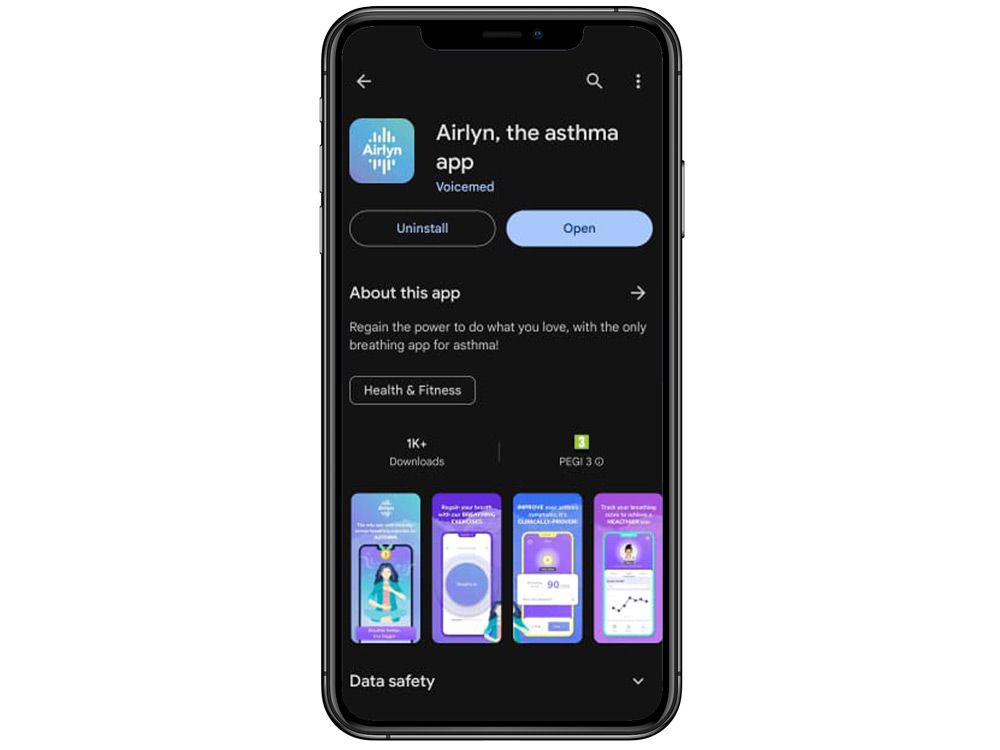
Go to App store or Google Play and download Airlyn app, our app for breathing exercises.
<span data-metadata=""><span data-buffer="">2. Login with the demo credentials<span data-metadata="">
Tap on the login button and enter the following demo credentials: User: demo@voicemed.io Password: Demo123/
<span data-metadata=""><span data-buffer="">3. Try the test!<span data-metadata="">
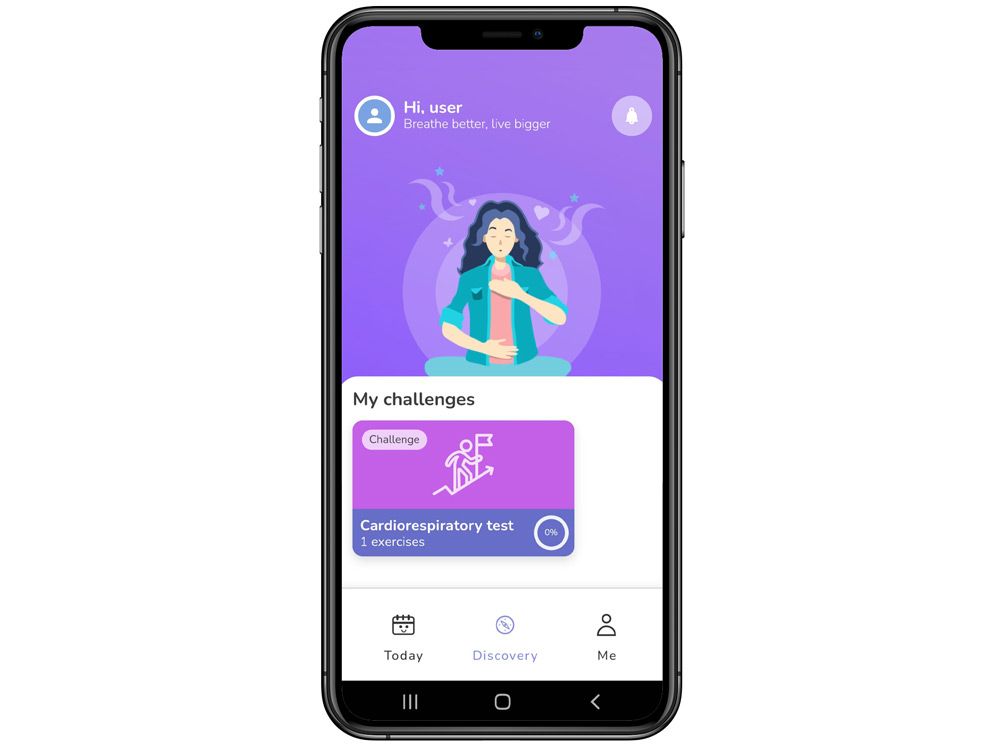
Go to “Discovery” section and tap on “Cardiorespiratory Test”, then try the test by clicking on “Cardiorespiratory Test” again. You can re-do it whenever you want.
We use cookies to ensure that we give you the best experience on our website. If you continue to use this site we will assume that you are happy with it. Privacy policy